Workspace screens
The admin workspace at /app supports light and dark themes. Use the toggle in the navbar to preview either mode; the Create Office and General settings screenshots follow your current theme, while the sign-in screen below is captured in light mode.
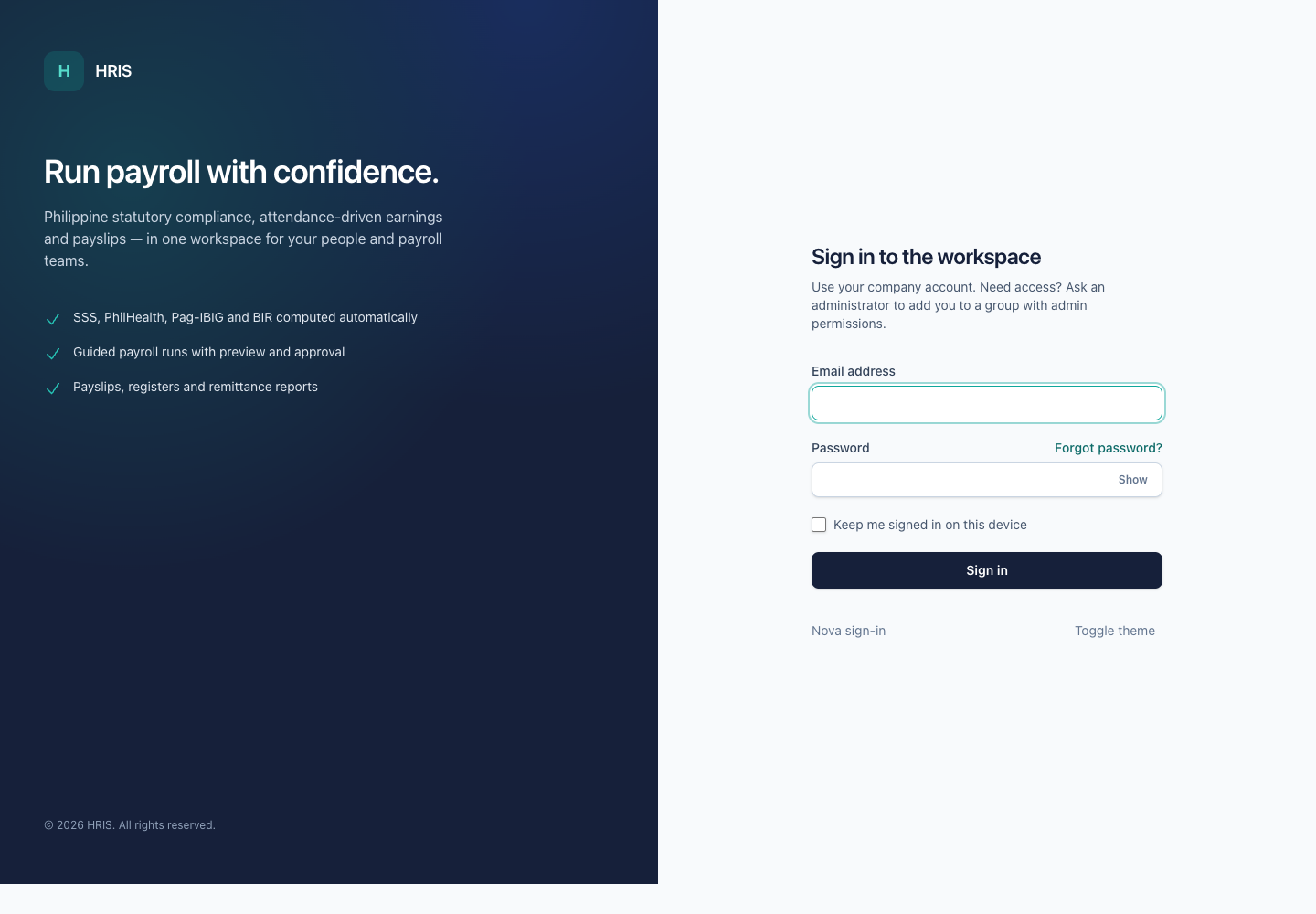
Sign in
The workspace sign-in screen at /app/login, with password reveal and theme toggle.
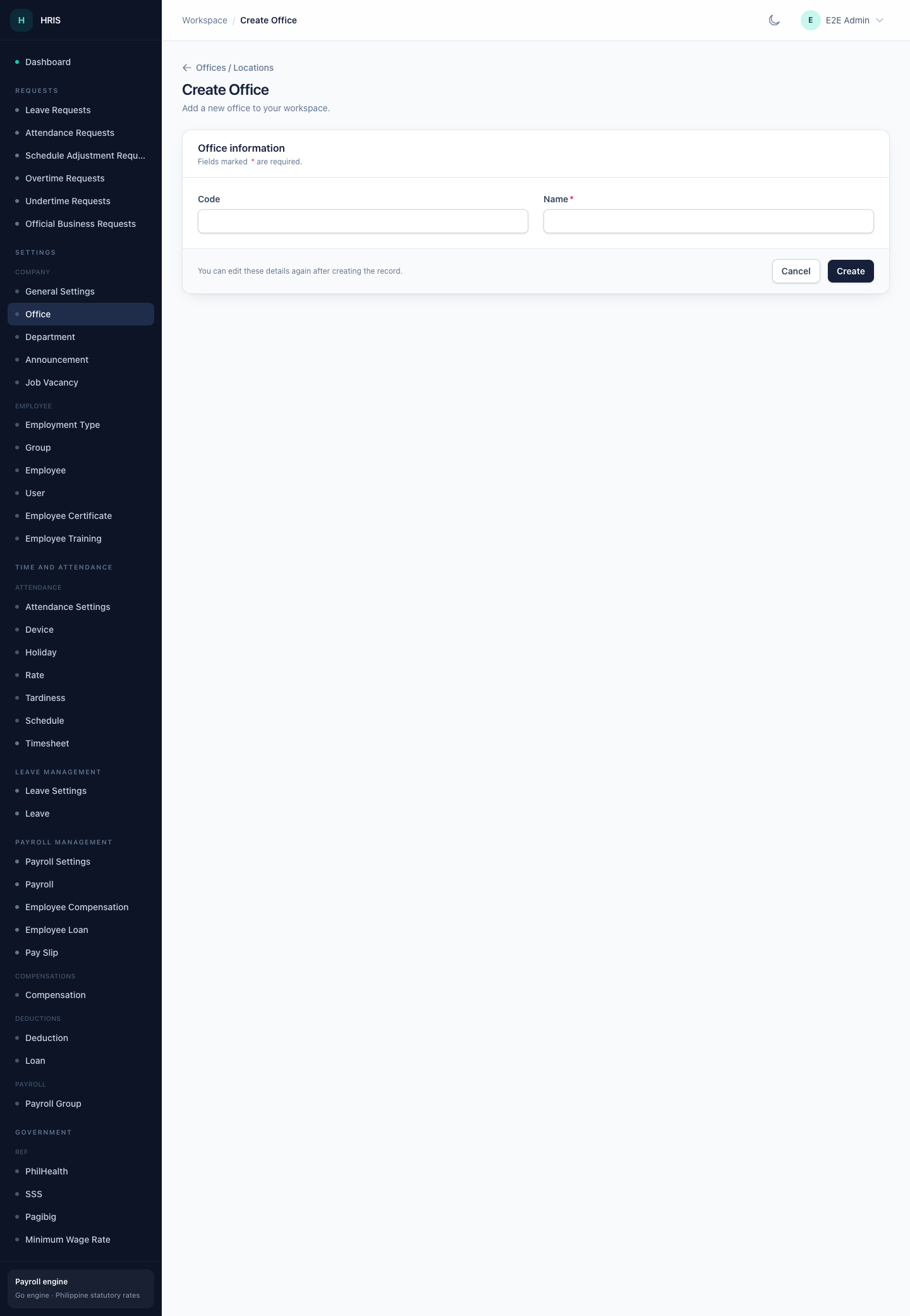
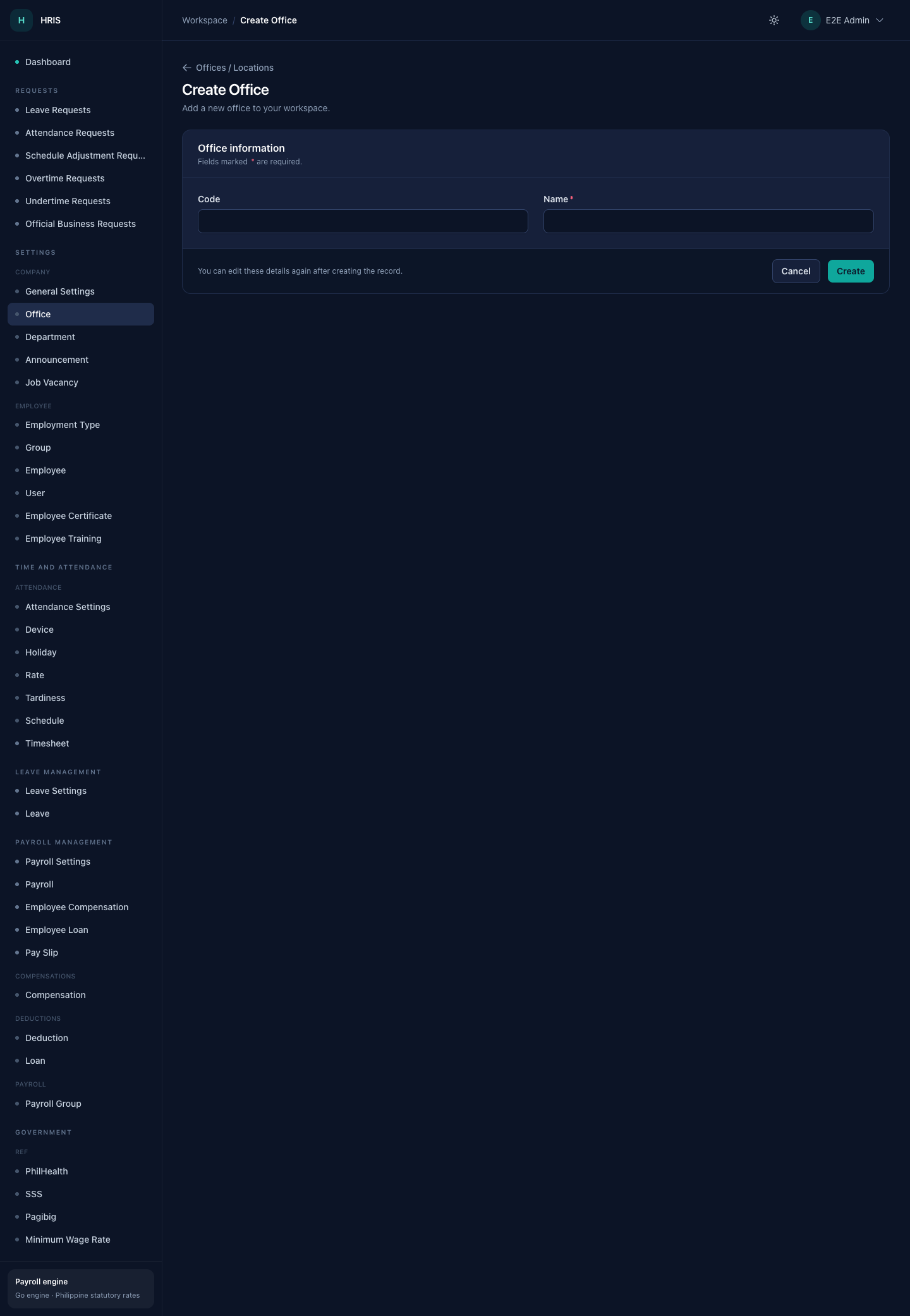
Create Office
A standard create form: required fields marked with an asterisk, grouped sections, and a sticky action bar.
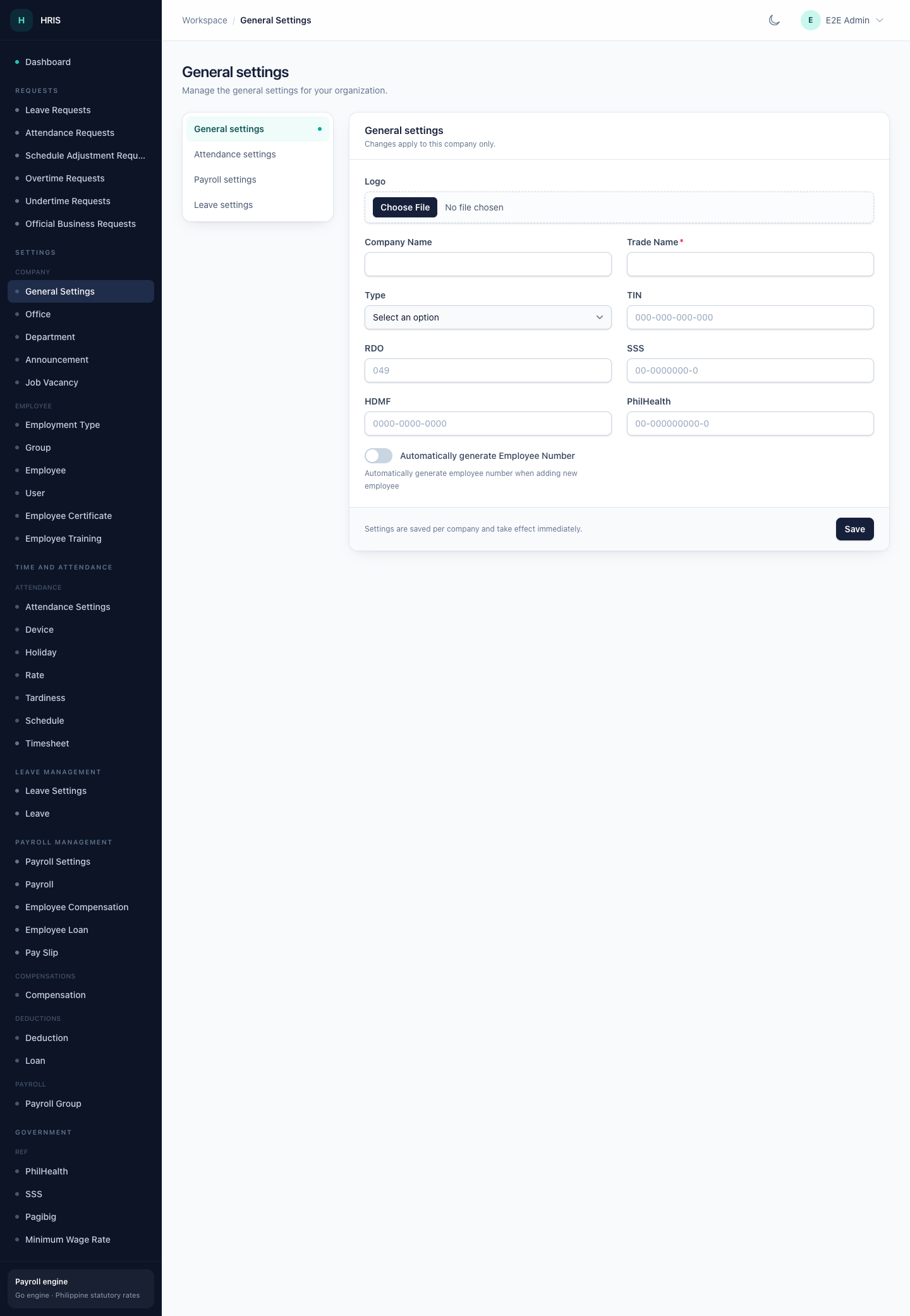
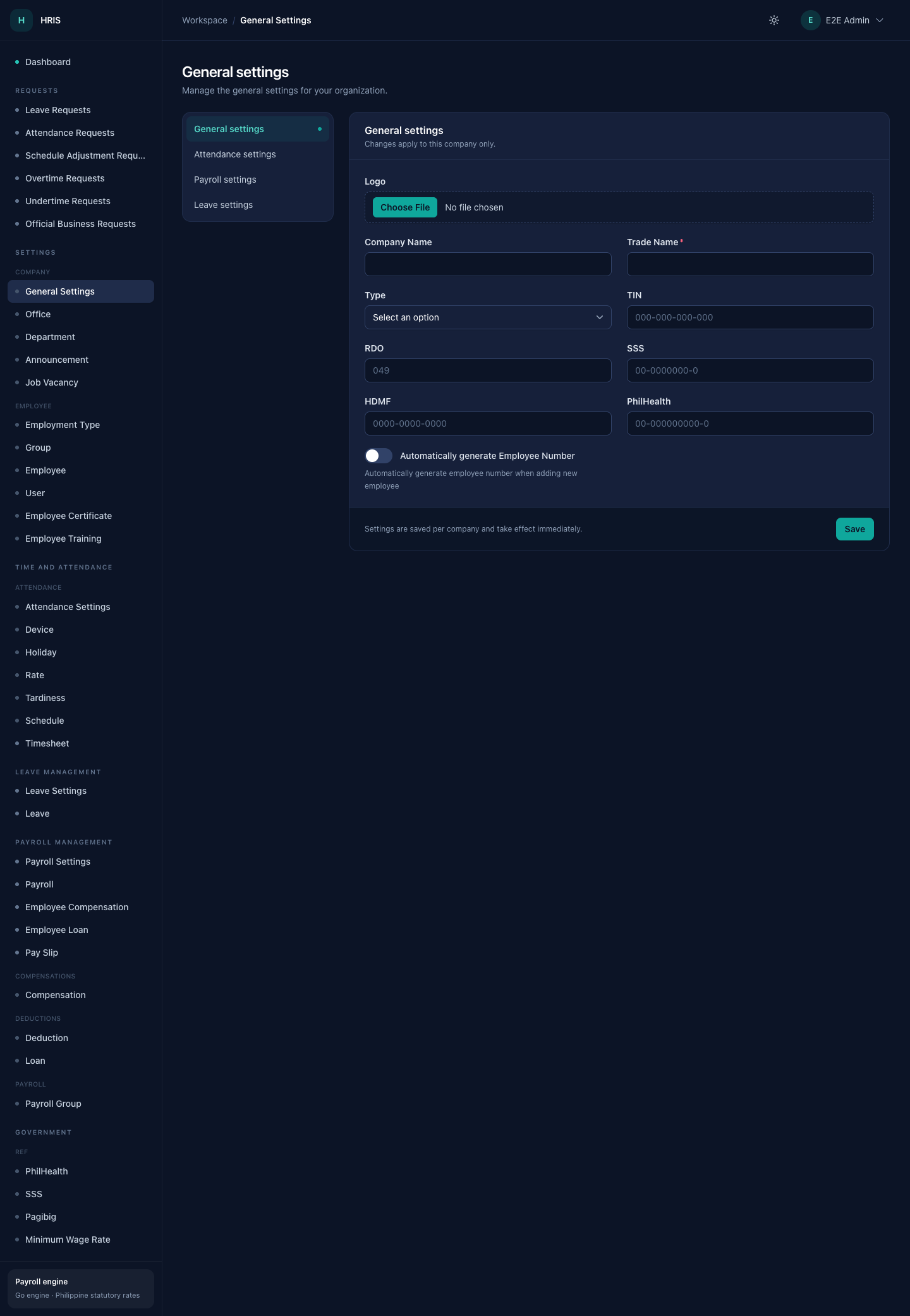
General settings
Company profile, statutory employer numbers, logo upload, and employee-number automation.